
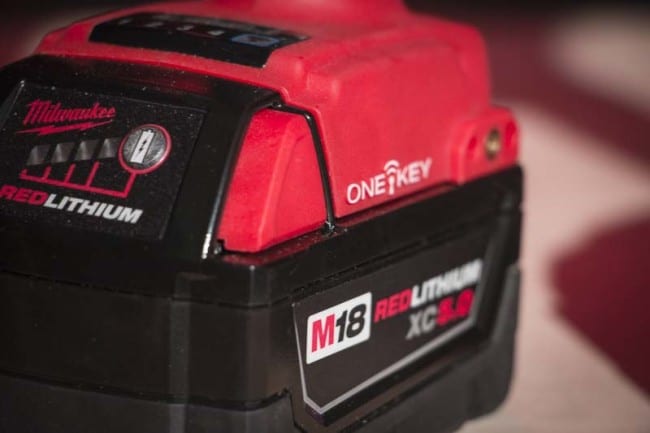
If you’re using Milwaukee One-Key on your iPhone, the iOS 13 update requires you to do a little manual work to ensure everything continues working properly. Many users reported losing core functionality after updating their iPhone. In response, we show you how to fix Milwaukee One-Key tool tracking in the iPhone Settings menu.
What Breaks Milwaukee One-Key Tool Tracking
What Apple iOS 13 affects on One-Key is in the Bluetooth and location settings. When you first download iOS 13, you’re going to see some prompts on your phone. A couple of them ask if you want to grant apps access to your location and Bluetooth. Since One-Key is an app, you need to give it permission for full functionality.
How to Fix Milwaukee One-Key Tool-Tracking Step by Step
1. Update the One-Key App
First, update the One-Key app to make sure you have the latest version running on your phone.
2. Set Location Permission to “Always”
Then go to the settings menu in One-Key (the gear icon on the bottom right).
Tap the “Tool Tracking” menu. On our iPhone 8, Bluetooth was disabled and Location was set to “When Using”.
What you want for full functionality is Bluetooth on and the location permission set to “Always”. Tapping “Location” opens up the menu where you can access both settings.
Why Should You Use These Settings?
Having Bluetooth on is what lets your Milwaukee One-Key tools communicate with your phone, so that’s a pretty obvious setting to keep on.
If you’re like me and prefer that The Machine doesn’t know where you are every minute of every day (give us a shout in the comments if you get the reference!), you likely either leave the location off or set to only while using the app.
Why We Prefer This Setting
However, it’s worth leaving the location always on for One-Key. That’s what helps it maintain its mesh network to constantly update the location of tools, including ones you don’t own.
Even though you can’t see other users’ tools on your app, it does ping the location for them. Just by letting One-Key keep its ears open in the background, you’re helping other Pros track down misplaced or stolen tools.
Milwaukee has an article about this as well on their Blog. Check that link out for even more info.
Did you find any quirks in the iOS 13 update? Let us know so other Pros can troubleshoot anything they’re running into!